Skincare routine app for iPhone
Your shelf, turned into a routine
Morning and night steps from what you own, and a heads‑up when it’s time for SPF
07:00Your Shelf
Everything you own, in one place
Add what you own by product type, no brand names needed. Nubia puts every step in the right order for morning and night.
- Search by name or browse the categories
- Log your empties when something runs out
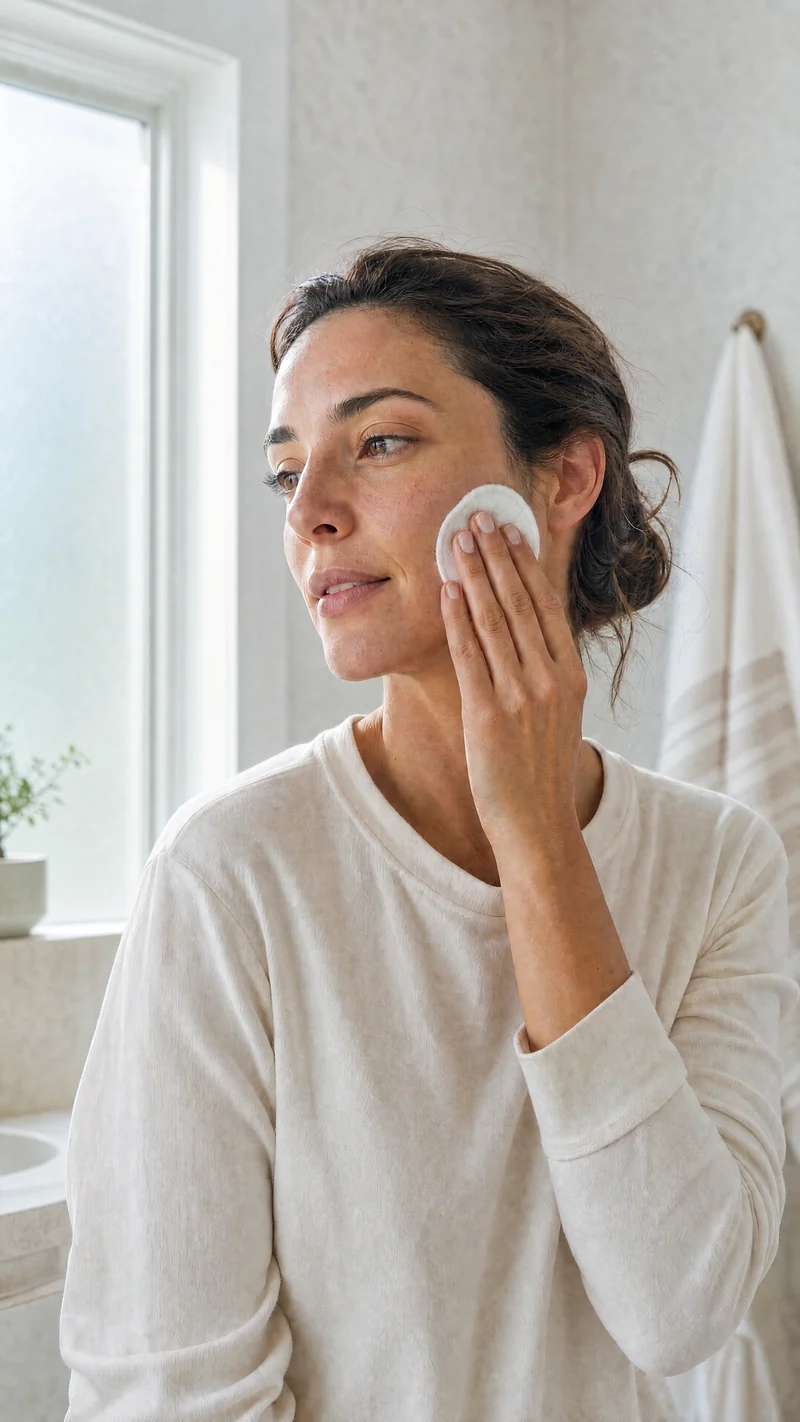
 From the library · 4 min readThe quiet work of a healthy barrier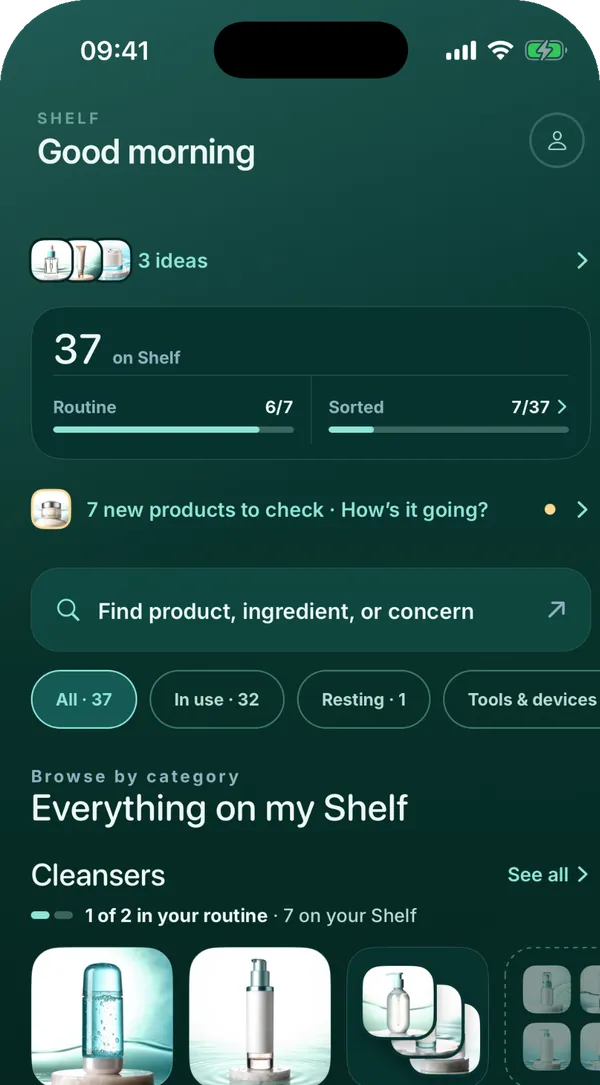
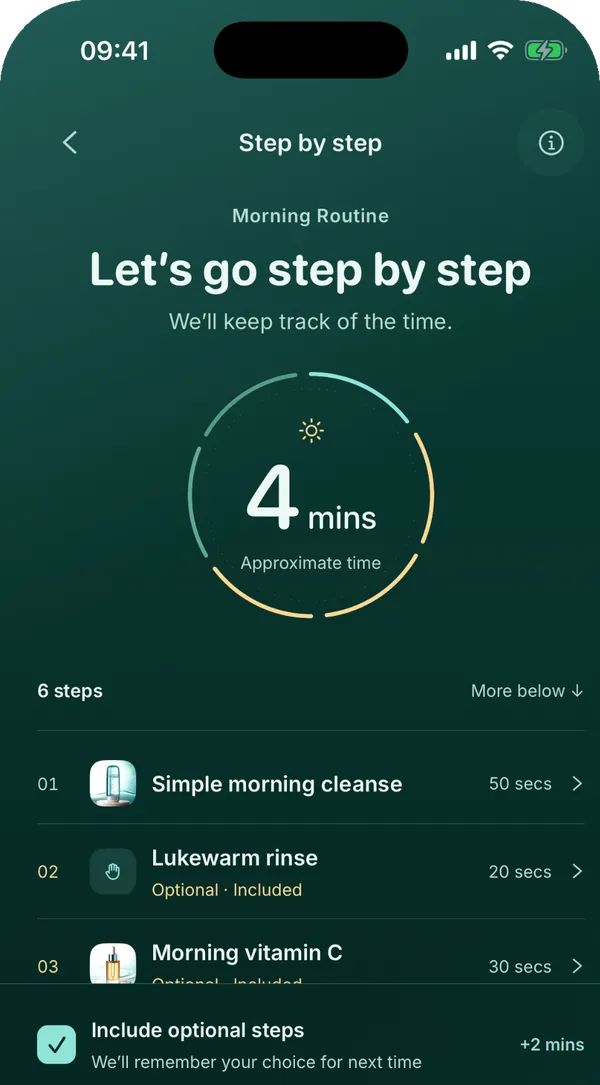
07:30Morning routine
3 minutes, step by step
Every step comes with how long it takes. Follow along with a timer, or keep it short on busy days.
- A countdown for each step, and Auto moves you to the next one
- Busy morning? Switch to a quick 2‑minute routine of just the essentials
10:00Sun & SPF
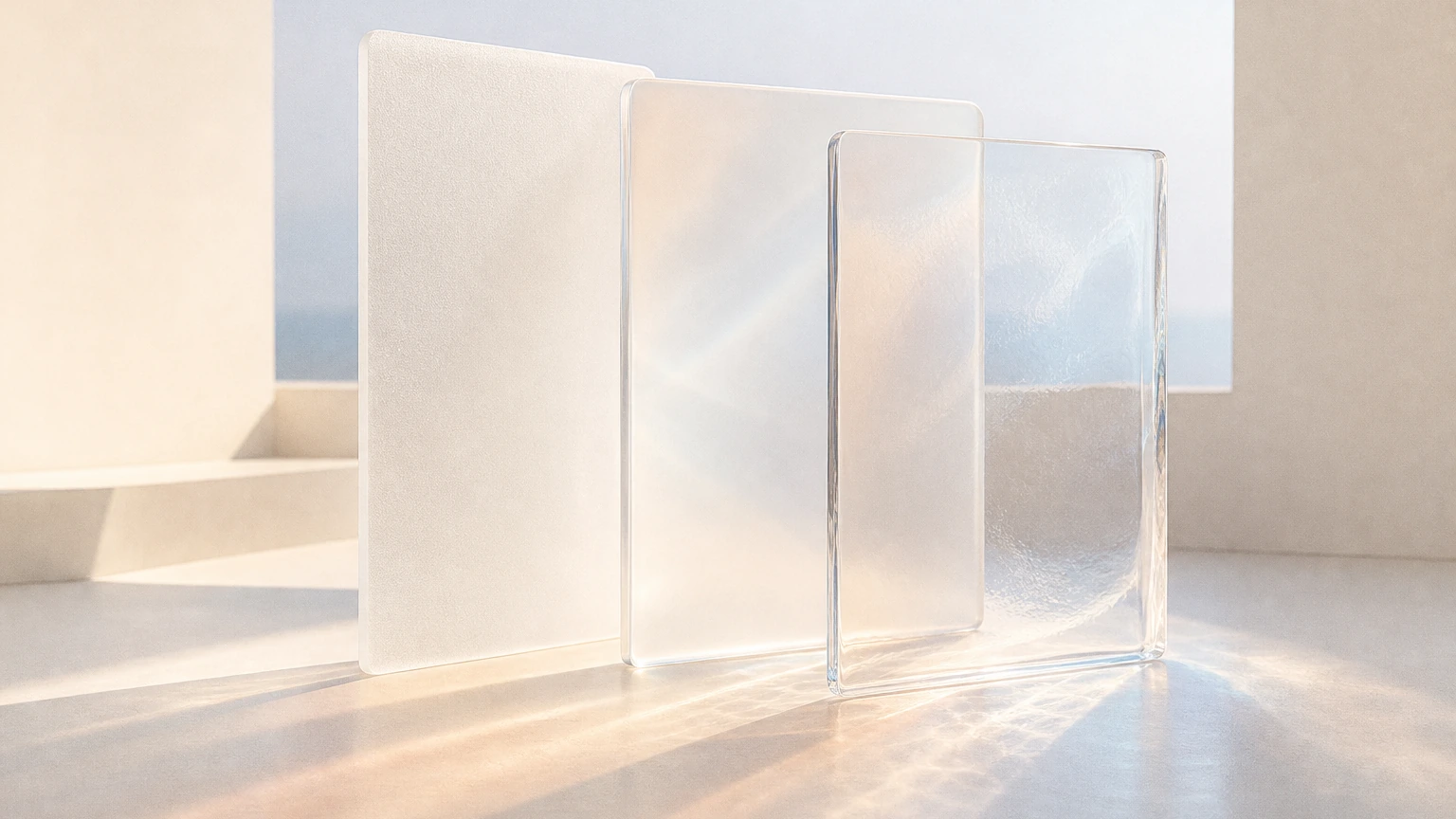
Know when it’s time for SPF
Nubia shows live UV for where you are and gives you a heads‑up when it’s time for sunscreen.
- Tap “I reapplied” and Nubia counts down to your next one, right on your Lock Screen
- UV widgets for your Lock Screen and Home Screen
 From the library · 4 min readThe sunscreen wardrobe
14:00Trips & big days
Going somewhere? Your skin’s coming too
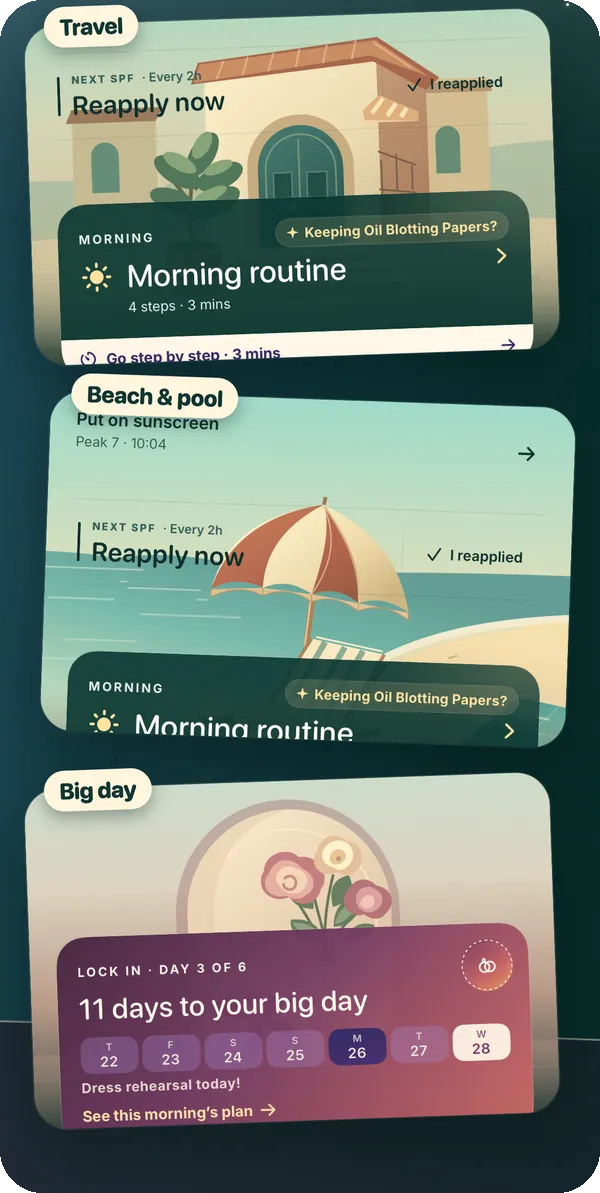
Trips, beach days and big days each get their own look, so your routine fits wherever the day takes you.
- Travel and Beach & pool keep your sunscreen reminders going while you’re out
- Got a big day coming up? Your Prep Calendar works back from the date, week by week, all the way to Glow Week
19:00Skin check-in
Skin feeling off? Your routine gets simpler
Tell Nubia how your skin feels and your plan stays simpler until it settles.
- If a strong active looks like the cause, Nubia can suggest a lighter strength
- It tells you when it’s worth checking with a dermatologist
 From the library · 5 min readRetinoids, without the race
20:30Special Nights
A night just for your skin
Each week brings a themed Special Night just for your skin, like a mask night.
- Forgiving weekly streaks: one step makes the day count, three days keep your week
- Collect Skin Passport stamps and cheer your friends on
Learn as you go
Got skincare questions? Start here
How Nubia works
What you can count on
Product types, not brands
You add a gel cleanser or a mineral sunscreen, not a brand. There’s no brand field at all.
No face scans, no skin scores
Nubia never grades your skin. It asks how your skin feels and keeps things simple when it’s off.
Apple Health data stays on your iPhone
Connect it only if you want. Nubia reads your sleep, workouts and cycle right there on your phone.
Clear about its limits
Every article lists its sources, and Nubia tells you when it’s worth checking with a dermatologist.
What does Nubia do?
Nubia turns the products you own into a morning and night routine, shows live UV where you are and reminds you about sunscreen, and keeps your routine simpler when your skin feels off. Articles and a Learn library help with products and ingredients along the way.
Do I need to add brand names?
No. You add what you own by product type, like a gel cleanser or a mineral sunscreen. There’s no brand field at all.
How much does Nubia cost?
Nubia is a subscription with Weekly, Monthly and Yearly plans. Weekly starts with a free week for eligible new subscribers, and Monthly and Yearly start right away. You can cancel anytime in your App Store account settings.
Does Nubia work with Apple Health?
If you connect it, your sleep, workouts and cycle can shape your routine, like an easy night after a short one. Your Apple Health data stays on your iPhone.
Is Nubia medical advice?
No. Nubia helps you learn about skincare and organize your routine. It doesn’t diagnose or treat skin conditions and doesn’t replace a dermatologist.
Which languages does Nubia speak?
The app speaks English, German, Spanish, French, Japanese, Korean, Brazilian Portuguese and Turkish.